 Getting Started
How to use ComfyUI: create your first image
Build your first ComfyUI image workflow. Learn checkpoints, prompts, sampling and saving, with a step-by-step video and troubleshooting.
 JAMES DOSS AI
Watch the lesson, follow the written steps, and keep the workflow notes for later. Search by model, task or the problem you are trying to solve.
6 tutorials
Getting StartedBuild your first ComfyUI image workflow. Learn checkpoints, prompts, sampling and saving, with a step-by-step video and troubleshooting.
 Image Generation
Set up Z-Image Turbo in ComfyUI, correct the model folders, and choose text-to-image, img2img or inpainting with practical prompt examples.
 Image Generation
Learn FLUX.2 dev setup, natural-language prompting and reference-image roles in James Doss AI’s ComfyUI workflow, with hardware and quality notes.
 Video & Audio
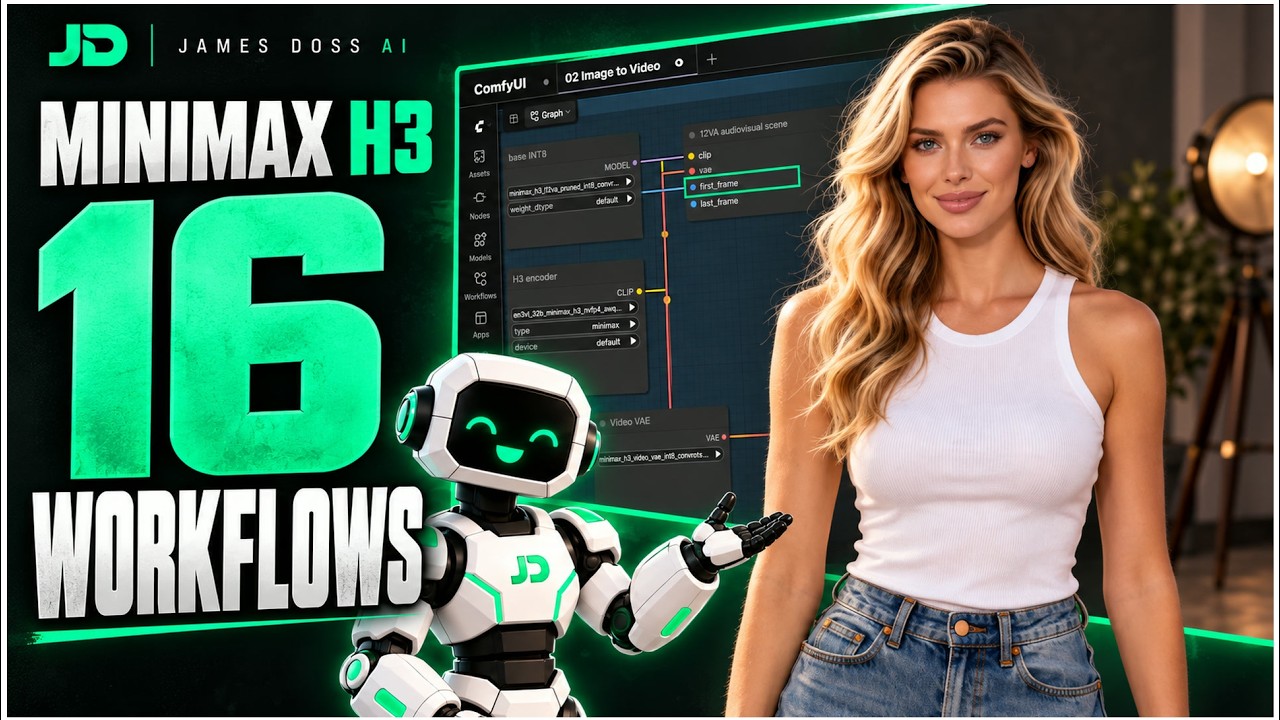
Choose the right MiniMax H3 workflow for images, references, dialogue or clip continuation. Includes limitations, setup links and the video walkthrough.
 Image Generation
Follow the SDXL Face Detailer workflow: detect a face, refine it locally and upscale. See demonstrated settings, dependencies and common mistakes.
 Cloud & Automation
Follow James Doss AI’s RunPod setup lesson with updated storage and seed notes. Learn what to save, what can keep billing and what to check first.
No matching tutorials. Try another model or clear the topic filter.